Billing
Billing
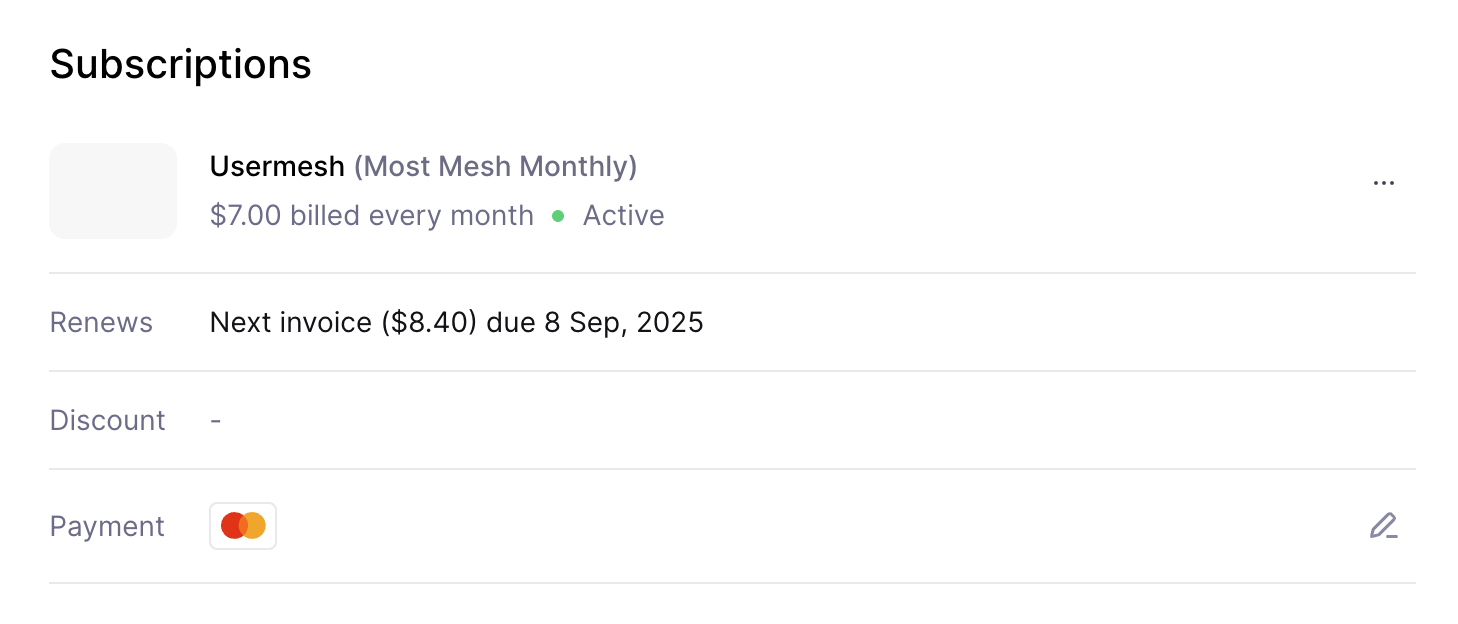
Billing is where you can view your plan, change it, or manage payment details.
View your plan
Open Account → Billing to see your current plan and the limits it includes.
Upgrade or downgrade
Use the Manage Subscription button to change plans. You can switch between monthly and annual billing if those options are available for your plan.
Update payment details
If you need to update your payment method, the billing page includes a link to do that.
Cancel your subscription
To cancel, use Manage Subscription and follow the cancellation steps in the portal. Your plan status and end date will be shown on the Billing page after you cancel.
Last updated on