Cards
Boards are built from cards. Each card has a type and controls what content appears on the board.
Card types
Available card types depend on your plan and what content exists in your mesh:
- Text, Header, Link, YouTube Video
- Latest Post List, Pinned Posts (when you have posts)
- Single Event, Event List (when you have events)
- Image, Map, File (subscriber features)
Each card type has its own options. See the subpages below for details on every card.
Adding cards
Open a board and choose Edit Content to enter the builder. Use Add Card to create new cards, and select any card in the preview to edit it.
Card list and bulk actions
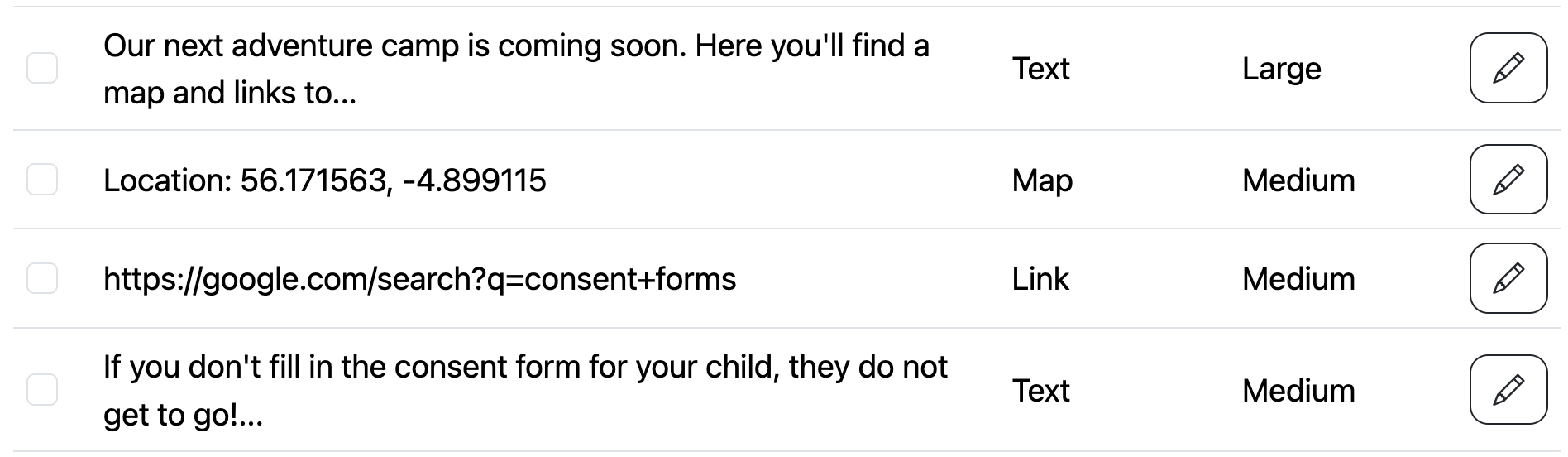
Below the preview you’ll see a list of cards. Use this list to reorder or delete cards in bulk.
Sections and columns
Boards default to two columns, but you can create sections with 1–4 columns. Each card is placed in a section and column. See Sections for details.
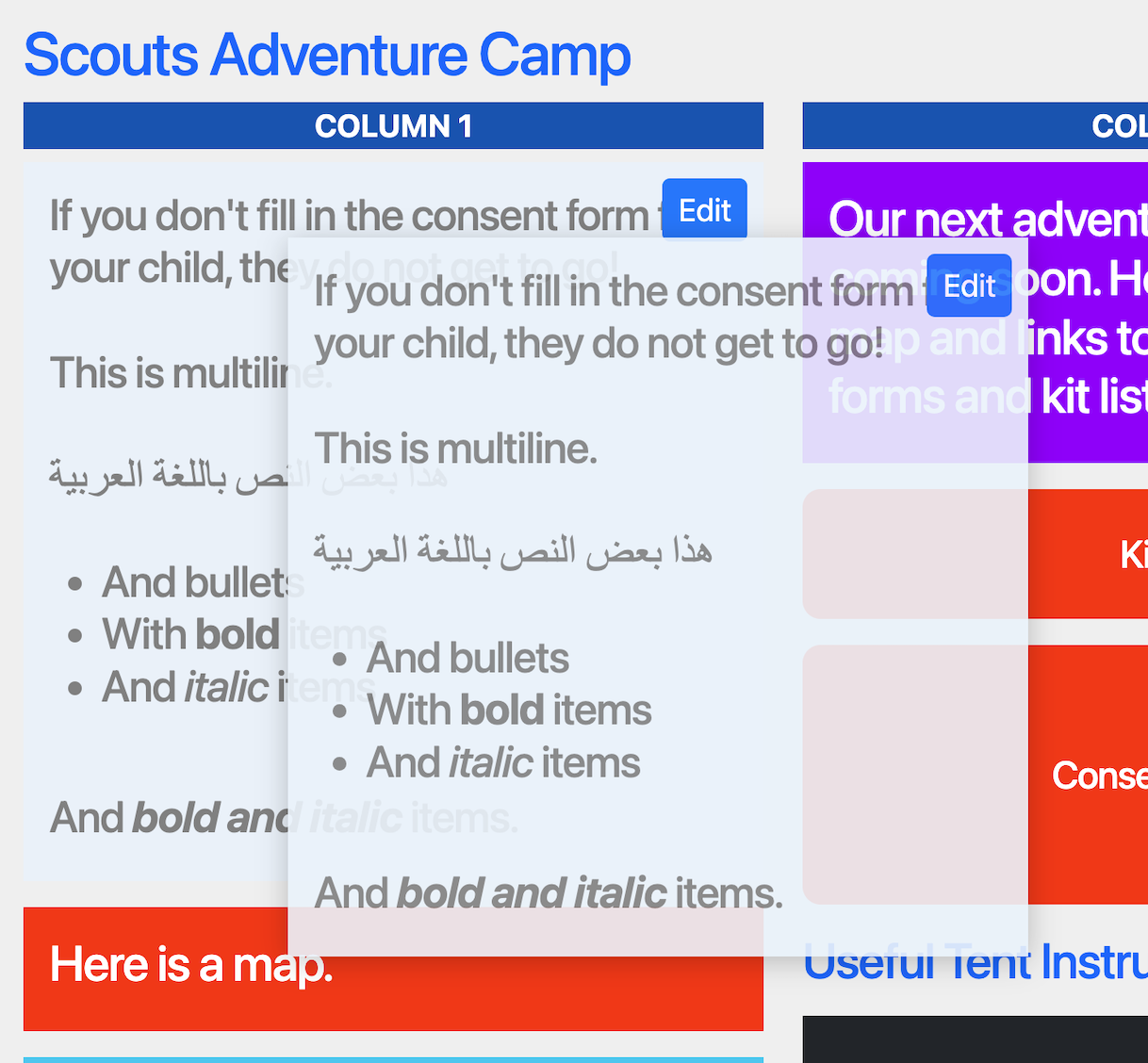
You can also drag and drop cards in the preview. See Ordering.
Styling
Many card types support custom colours. These override the board colours just for that card.