Getting Started
Welcome to Usermesh! This guide is for owners and leaders and walks you through the first few minutes so you can set up your mesh and start sharing updates with members.
1) Log in or create your account
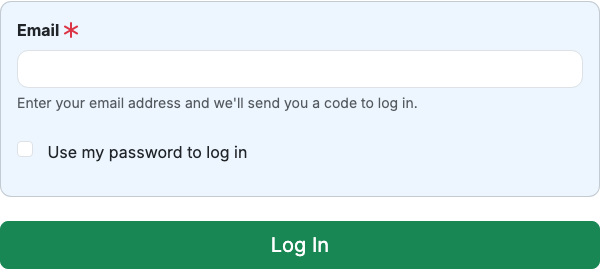
Open the Usermesh app in your browser. Enter your email address and then enter the code you receive. If you’re new, choose Sign Up to create your account.
2) Create your mesh
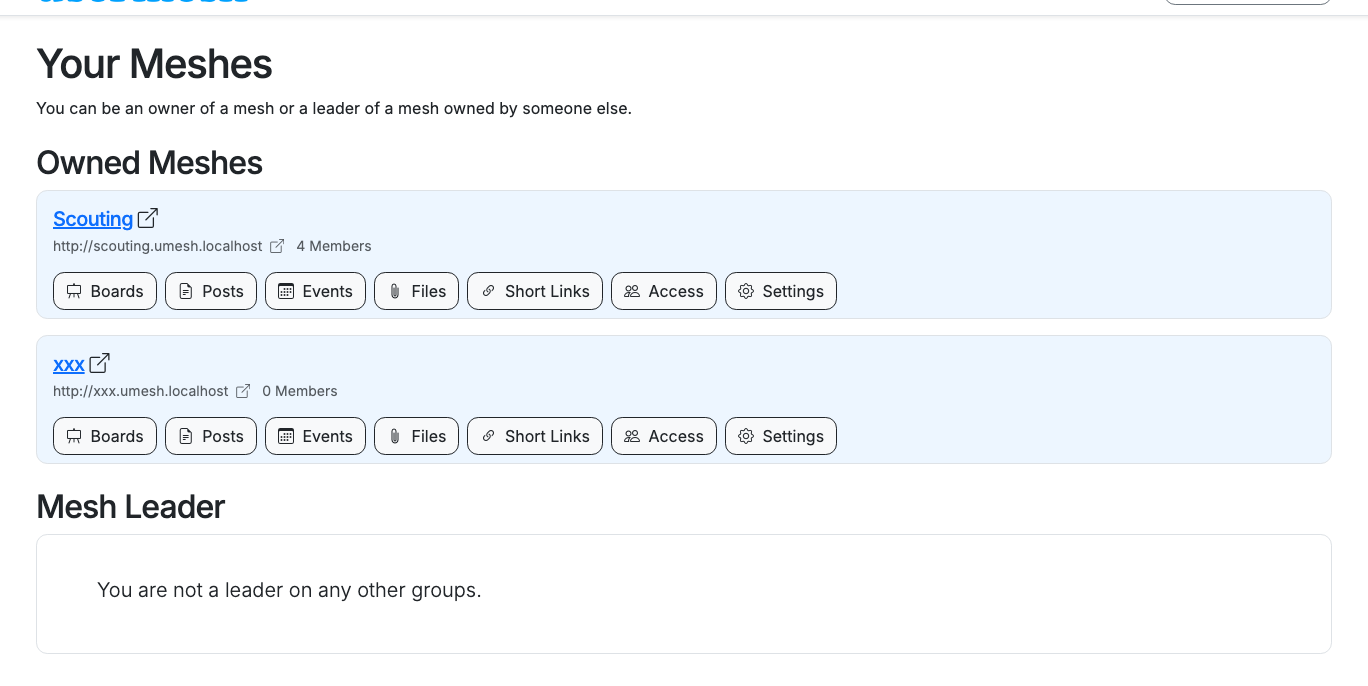
A mesh is your private group website. Create one for your team, club, or community. You can change its name, URL, and branding later. Learn more about meshes.
3) Create your first board
Boards are the pages members visit. Add a board, then use the content builder to add cards. Learn more about boards.
4) Share your first update
Open Posts and create a post to share an announcement or resource. You can add images, pin important posts, and (if enabled) email a post to members. Learn more about posts.
5) Add an event
Open Events and create your first event. Events can include a location, repeat on a schedule, and collect RSVPs. Learn more about events.
6) Invite members
Open Members to add people to your mesh. Paste one or many email addresses and choose whether to send invite emails automatically. Learn more about members.
7) Explore what’s next
Depending on your needs, you can also: