Customisation
Customisation
Mesh settings control how your group space looks and behaves.
Basics
You can edit:
- Name and Mesh Space Address (URL)
- Show Navigation Bar
- Timezone (used for posts and events)
- Language (used for browser hints and RTL support)
Logo and colours
Upload a Logo Image to show at the top of your boards.
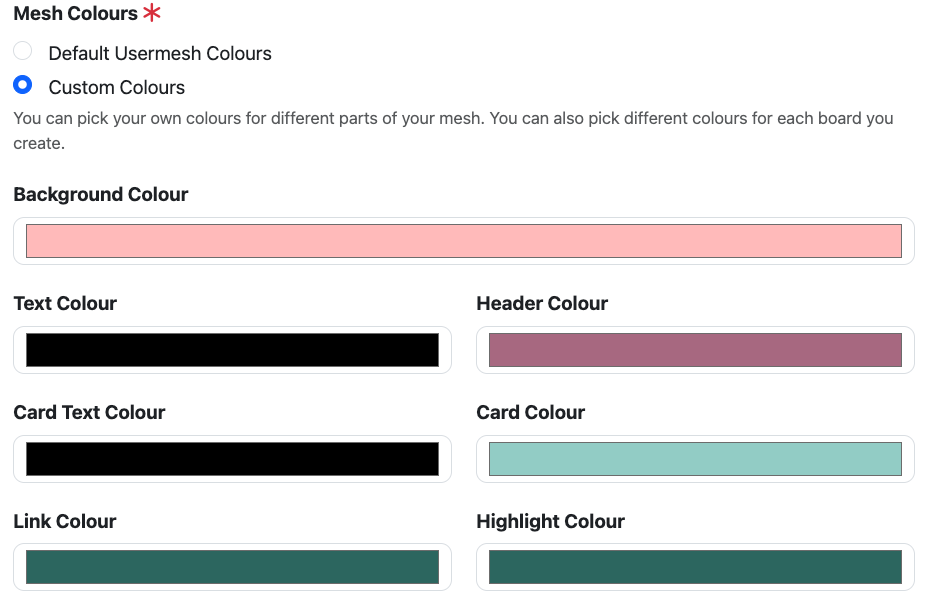
Choose a Colour Palette for the mesh:
- Default Usermesh Colours, or
- Custom Colours, including background, text, header, card, link, and highlight colours.
Boards can still override these colours individually if needed.
Last updated on