Creating
Creating
Create posts when you want to share news, updates, or resources with your members.
Add a post
Open your mesh and select Posts, then choose Add Post. You’ll be asked for:
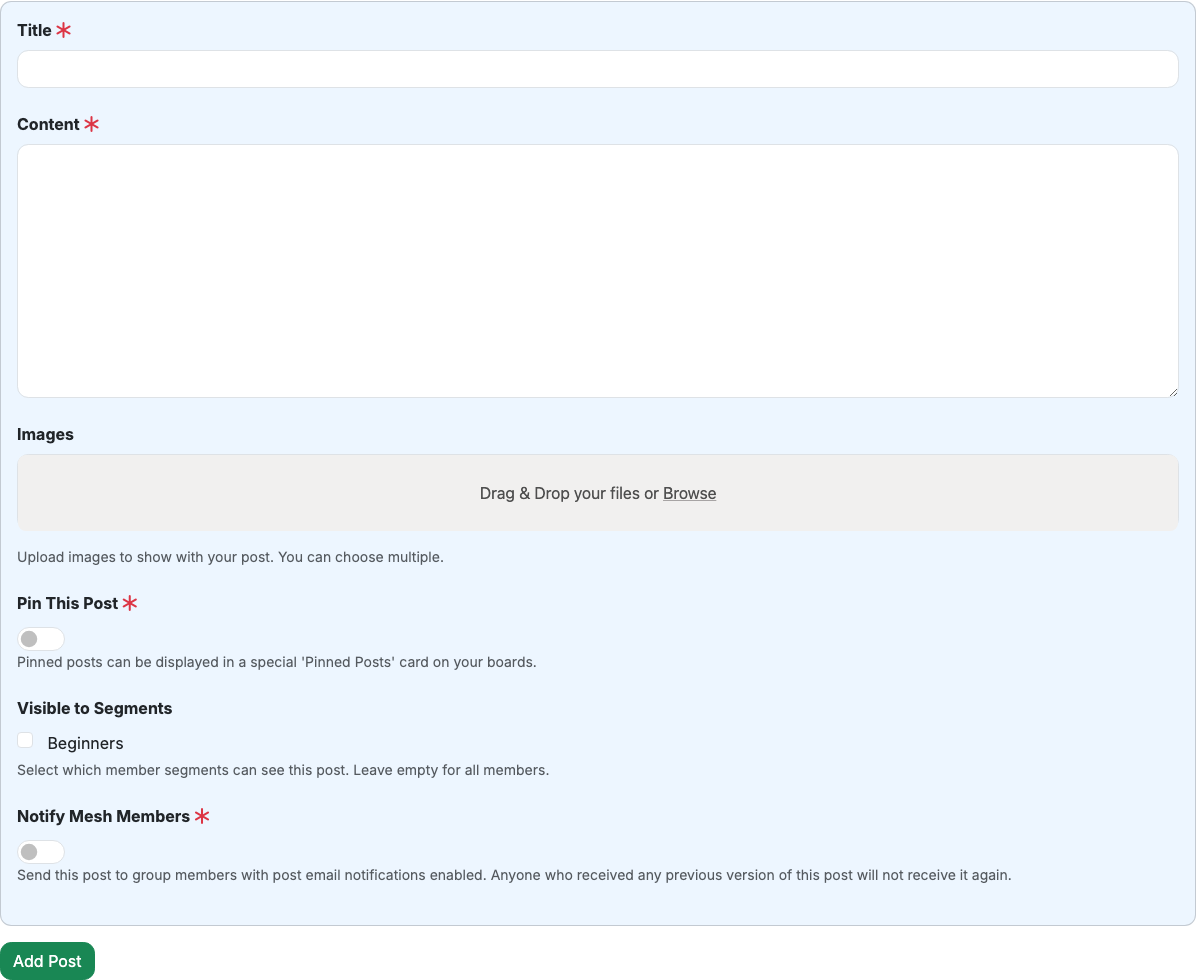
- Title: a short headline for your update.
- Content: the main message you want members to read.
- Images (optional): attach one or more images.
- Pin This Post (optional): keep an important post visible in pinned post lists.
Choose who can see it
If your mesh uses member segments, you can limit visibility to specific segments. Leave it blank to make the post visible to all members.
Notify members (optional)
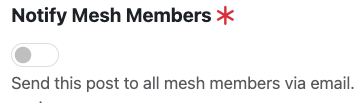
If post email notifications are enabled for your mesh, you can send the post to members by email. Members will only be emailed the first time they receive a post — editing a post won’t resend it.
Last updated on