Viewing
Viewing
Posts page
If the navigation bar is enabled, members can open Posts to browse updates in a simple, blog‑style list.
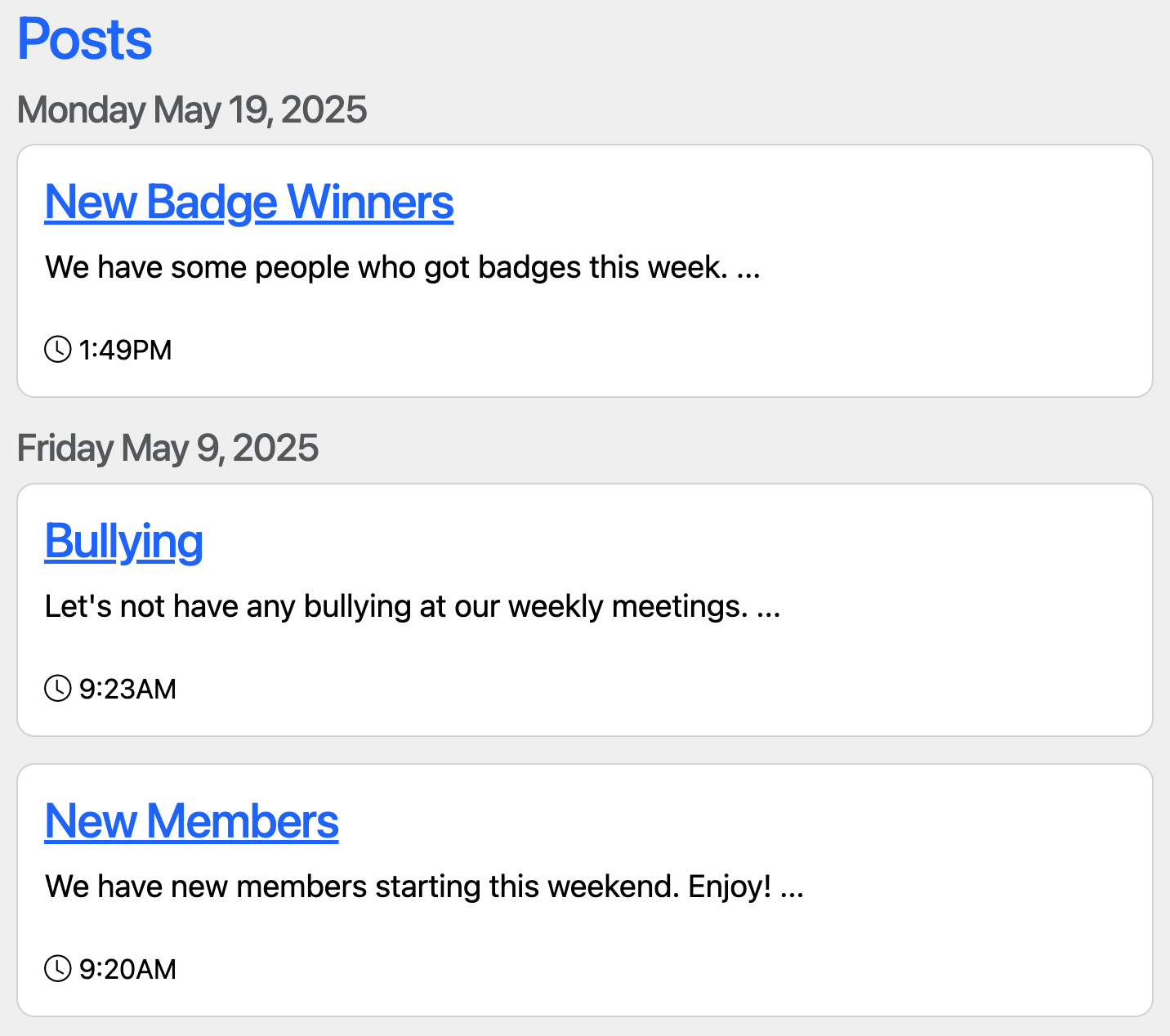
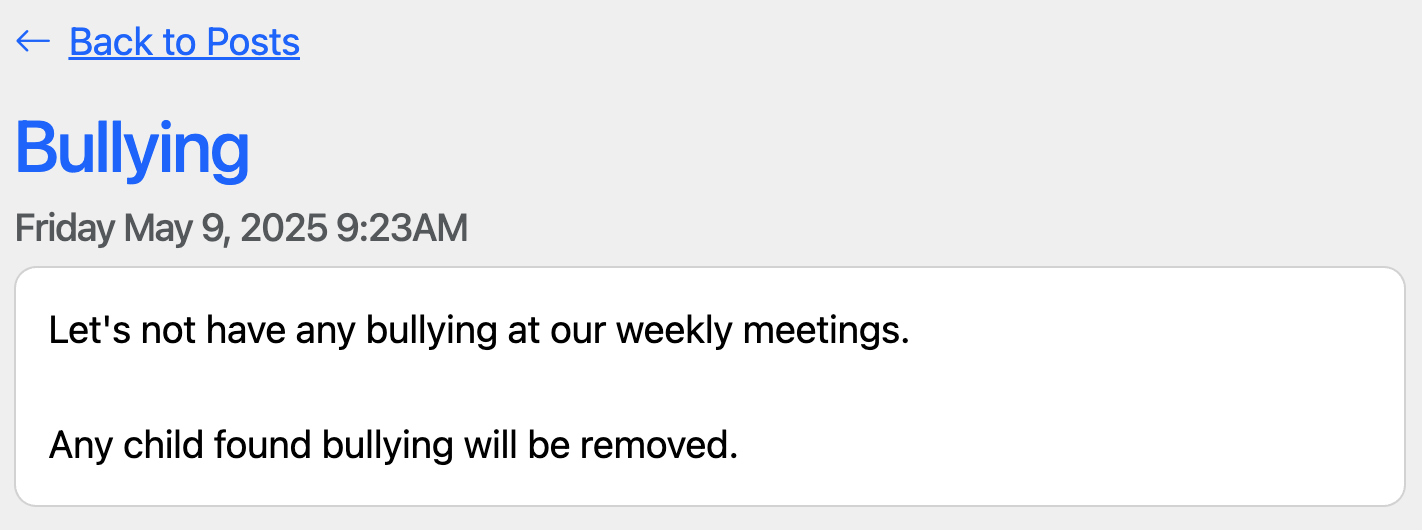
Each post shows a short preview. Selecting a title opens the full post, and those post links stay the same so you can share them directly.
On your boards
Use the Latest Posts List card to surface recent posts on a board.
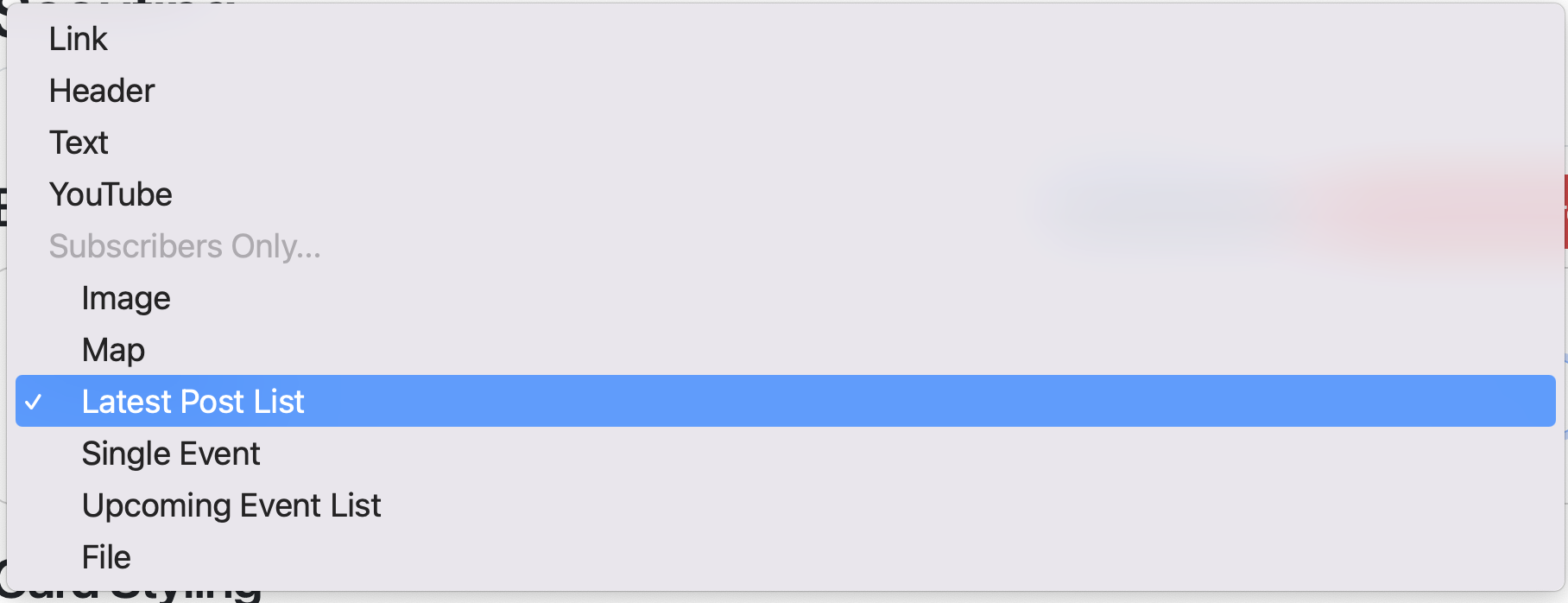
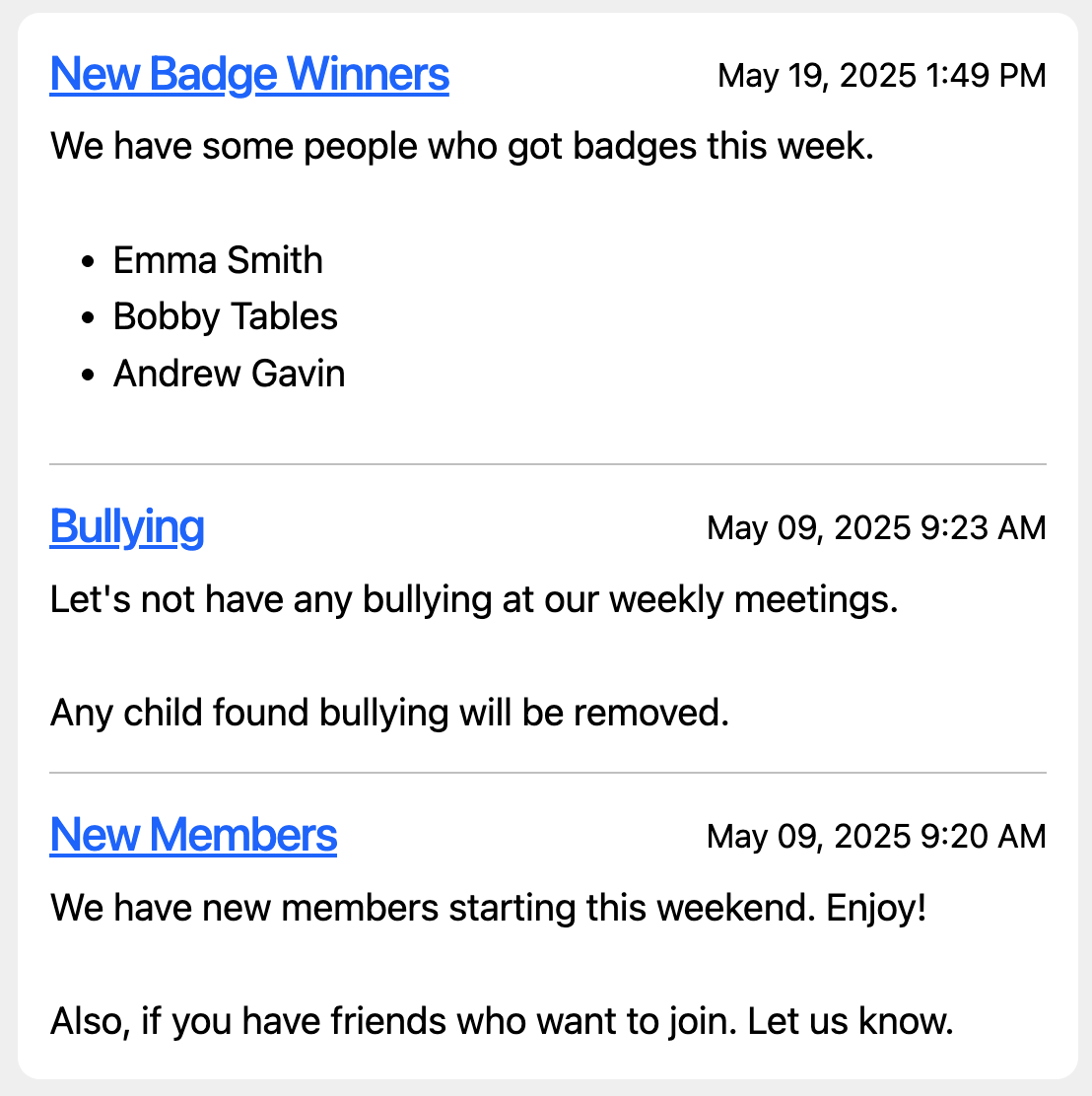
Choose Small, Medium, or Large to show 1, 3, or 5 posts. Posts are ordered by date, so the newest updates appear first.
Here’s the Medium layout showing the latest three posts:
Viewing pinned posts
If you pin a post, you can show it with the Pinned Posts card on a board. This is useful for important or evergreen information that should stay visible.
Last updated on